Set up an Instagram business account you can post to, and have a few photos of your dishes and your restaurant space handy (phone pics are fine!). Upload them, or @mention a saved product or photo asset card if you've got them in SecretSauce.
How it works
1
Plan the week
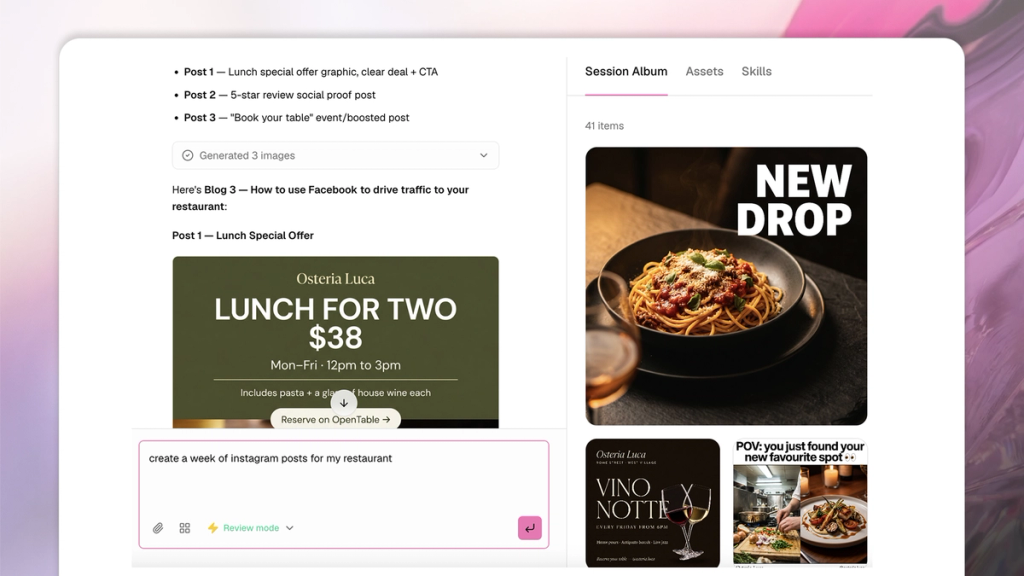
Generate a balanced 7-day plan with /instagramWeeklyPlan: Each feed post and Story tagged with its topic, format (static, carousel, or Reel), hook, CTA, and a local hashtag mix, weighted to what performs for restaurants so the grid reads cohesively.
2
Prep your photos
Even out the lighting, correct the color, and clear background clutter on each dish photo, and re-light your own interior shots into warm, inviting frames so the food and the room look their best.
3
Produce each item as planned
Turn your dish photos into polished hero statics and carousels, and build short dish-reveal or behind-the-scenes Reels, generating each at the ratio its placement needs: 4:5 or 1:1 for the feed, 9:16 for Reels and Stories.
For every post, write a caption in your brand voice that opens with a scroll-stopping line and ends with one clear action to book, order, or visit, paired with a tight set of local, neighborhood hashtags.
Before someone decides where to eat, they look up your restaurant on Instagram, scroll your feed, and judge in a few seconds whether your food is worth the trip. That makes your Instagram one of the highest-leverage things you can do to fill tables, and one of the easiest to let slide when you're already running a kitchen.
This guide covers the strategy that moves the needle, the post ideas that perform, and how to produce a full week of on-brand content in about the time it takes to prep a service.
Build a restaurant Instagram strategy that performs
A restaurant Instagram strategy that performs is a repeatable mix of content that gives the algorithm something to push and gives diners a reason to follow, save, and show up. Three things matter most:
Content mix: The accounts that grow rotate between hero shots of the food, behind-the-scenes moments, staff and owner personality, offers, and practical "how to find us" posts. That variety keeps a feed from reading like a menu and starts making it feel like a place.
Consistency: The most effective restaurant accounts aim for 3 to 5 feed posts a week, supported by daily Stories. Stories are low effort and disappear in 24 hours, so they're the home for timely stuff: Today's special, a sold-out dessert, a poll on the next seasonal dish. The feed is your highlight reel and Stories are the daily conversation.
Engagement signals: Saves and shares are worth far more than likes. When someone saves your post because they're planning to come in, Instagram reads that as a strong signal and shows your content to more people. The same goes for responsiveness: Many diners will move on to a competitor if a restaurant ignores their comments and messages, so treating replies as part of the strategy protects bookings.
Get those three right and the rest of your restaurant Instagram marketing gets easier, because you're working with the platform instead of against it.
What makes a great restaurant social media post?
A great restaurant social media post makes the food look like the best version of itself, hooks attention in the first frame, and gives the viewer a clear reason to act. Four things separate a post that gets saved from one that gets scrolled past.
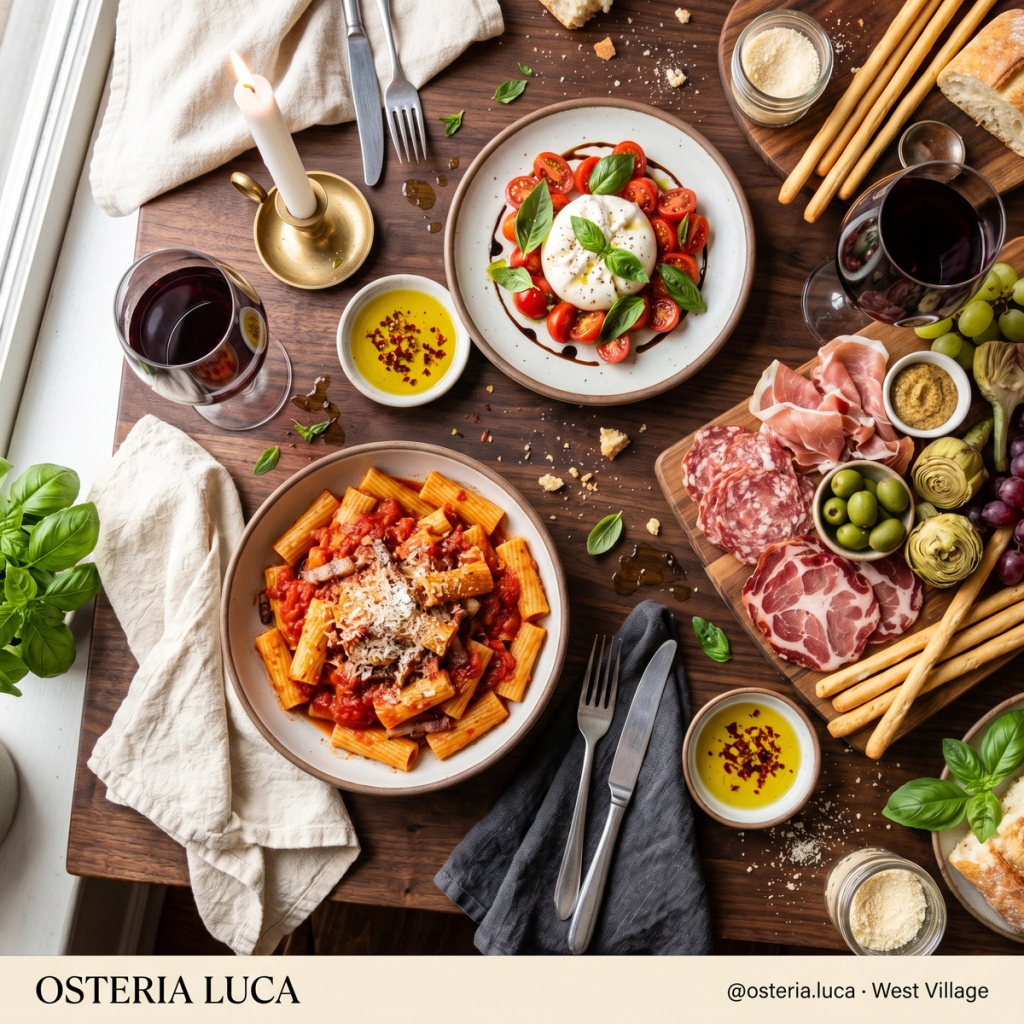
The food has to look like the best version of itself. Lighting, framing, and color do the heavy lifting. A dish shot in warm, even light with a clean background will always outperform a dim phone photo taken mid-service. This is the single biggest lever in restaurant social media, and it's the one most places get wrong.
The first frame and first line do the work. Whether it's a Reel or a carousel, people decide in about three seconds whether to keep watching or reading. Lead with the most appetizing shot or a line that creates curiosity: "The dish people drive across town for" beats "check out our menu" every time.
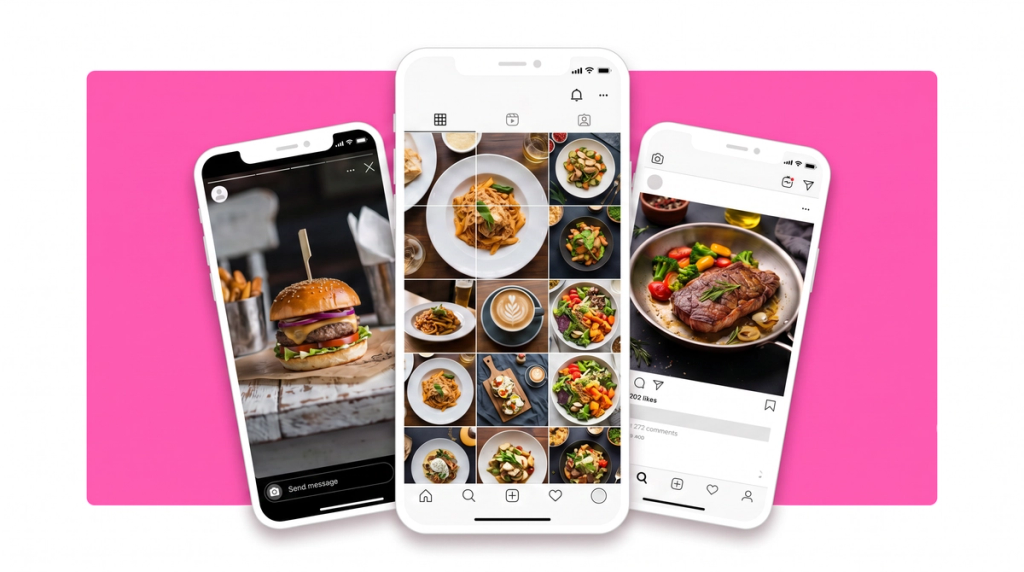
Your feed should feel cohesive. When someone lands on your profile, the grid is the first impression. A consistent look, similar tones, and a deliberate rhythm of food, people, and text posts signal that you care about the details, and that impression transfers to how people imagine your food.
Every post needs a job. A caption that ends with a clear next step ("book a table for the weekend," "order pickup, link in bio," "tag who you're bringing") turns attention into action. Pair it with a few local hashtags and your neighborhood name so nearby diners can discover you.
9 restaurant Instagram post ideas that fill tables
If you're staring at a blank feed, these are the restaurant Instagram post ideas that consistently perform. Most work for full-service restaurants and cafés alike, and each one can be built from photos you already have. Steal the example captions and make them yours.
1. The signature dish hero. A close-up of the dish you're known for, shot to look irresistible. This is your anchor content and it's worth getting right.
Example caption: "The one you keep coming back for. Slow-braised short rib, and yes, it falls apart with a spoon."
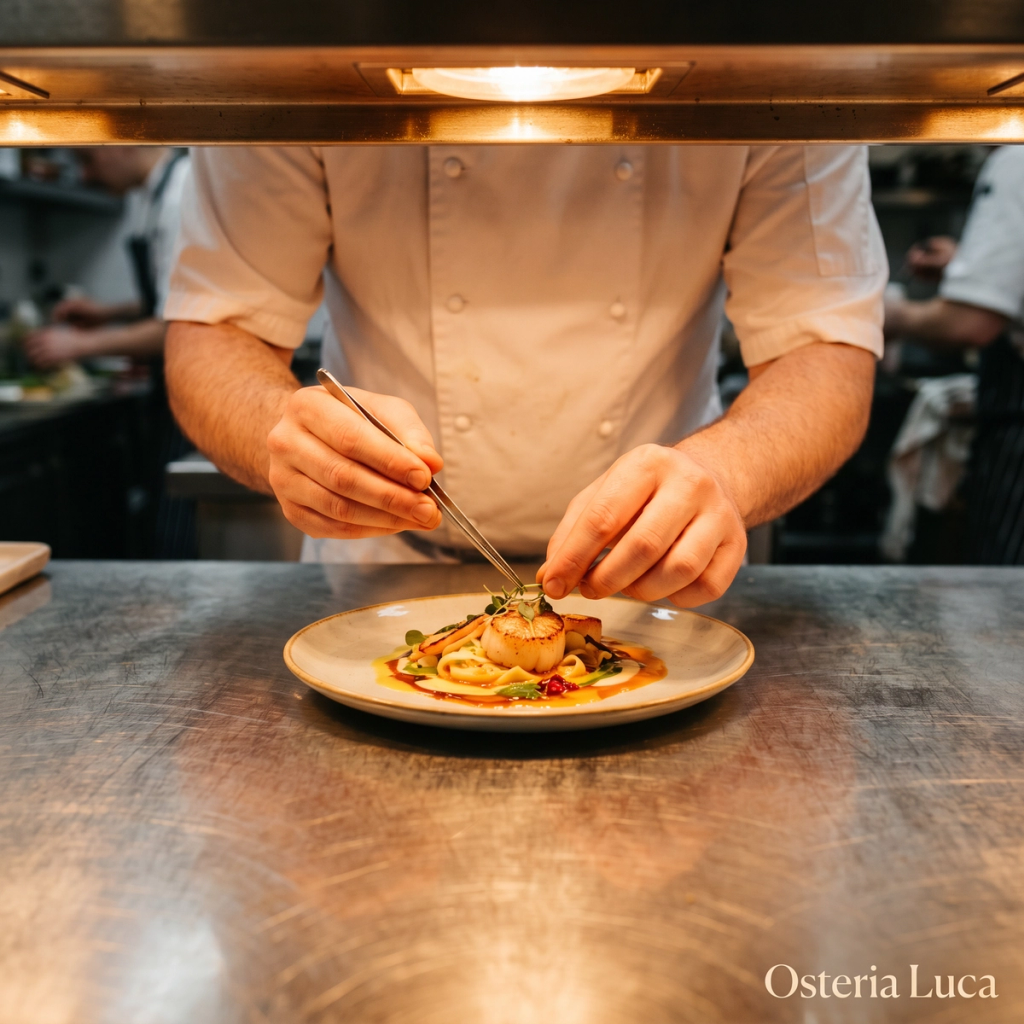
2. Behind the scenes. Prep, plating, the market run, the chaos before doors open. Behind-the-scenes content humanizes your brand and earns shares because it feels real, not promotional.
Example caption: "6am at the market so your 7pm plate is worth it."
3. Staff and owner moments. The people make the place. A quick spotlight on a bartender, a chef, or your own story builds the kind of loyalty a menu photo can't.
Example caption: "Meet Marco. He's been pulling our shots since day one and he has opinions about your order."
4. Specials and offers. Happy hour, a midweek deal, a limited dish. These create urgency and give followers a reason to come in this week, not someday.
Example caption: "Tuesday means half-price oysters from 5 to 7. You know what to do."
5. Reposted customer content. When a guest tags you, reshare it and thank them. User-generated content is credible in a way your own posts can't be, and it costs you nothing to make.
Example caption: "When it looks this good on your camera too. @guesthandle"
6. The "how to find us" post. A map screenshot, your address, parking notes, the nearest landmark. Unglamorous, but it removes the last bit of friction between interest and a visit.
Example caption: "Tucked behind the bookshop on 5th. Look for the green door."
7. The menu-launch teaser. Building to a new dish or seasonal menu? Tease it with a countdown sticker and let people guess in the comments. Early engagement tells the algorithm to push the full reveal.
Example caption: "Something new drops Friday. First to guess the main ingredient gets it on the house."
8. Café moments. For cafés, the everyday ritual is the content. Latte art, the morning light on the counter, a corner table that's perfect for working. These cozy café ideas sell the feeling of being there.
Example caption: "Your 9am seat is ready. Oat flat white, the good pastry, no rush."
9. Seasonal and timely posts. Tie a post to a holiday, a season, or a local event. Quick to make and easy to repeat all year, and they position you as part of the neighborhood.
Example caption: "First cold morning of the year calls for the pumpkin spice we swore we'd never make. We caved. You're welcome."
These nine formats give you weeks of restaurant social media post examples to work from. The trick is producing them consistently without it eating your week.
How often should a restaurant post on Instagram?
For most restaurants, the sweet spot is 3 to 5 feed posts a week backed by daily Stories. Think of Instagram in two layers:
Your feed is the highlight reel, and 3 to 5 posts a week keeps you visible without letting quality slip, which the algorithm punishes faster than low frequency.
Your Stories are the daily layer, where you show up every day with the lunch special, the sold-out dessert, or a quick poll on the next seasonal dish.
A realistic week looks like four feed posts, say a signature-dish Reel, a behind-the-scenes carousel, a customer repost, and an offer, plus one or two Stories most days. If you only have the bandwidth for three strong feed posts a week, do that consistently rather than chasing seven and burning out. Steady beats sporadic every time, because consistency is what teaches Instagram to keep showing you to new diners.
How to create a week of restaurant Instagram content in 10 minutes
Here's how to turn the strategy above into a finished week of posts with SecretSauce, start to finish in one sitting.
Plan the week: Run /instagramWeeklyPlan for a balanced 7-day plan, with each feed post and Story tagged by topic, format, hook, CTA, and a local hashtag mix weighted to what performs for restaurants. You start from a plan built around dish heroes, behind-the-scenes, offers, and discovery posts instead of guessing what to post. See the Instagram strategy guide for how it reads your account.
Rescue the photos you already have:Photo cleanup brightens dim or yellow lighting, removes clutter, and recrops a mid-service phone shot into a clean square or vertical frame, so the pictures you already took become feed-ready.
Turn one dish photo into a hero shot:Product shots take a single dish photo and make it a polished, appetizing studio image, the kind that anchors a feed, with no photographer booked.
Set the scene with lifestyle shots:Model and lifestyle shots place your food and space in real-looking moments, like a flat white on a sunlit table, so diners can picture themselves there.
Make Reels that stop the scroll:Reels with a built-in hook work best as a dish reveal (the cheese pull, the pour), a first-bite reaction, or a quick "what to order" tour of your greatest hits.
Write captions in your voice: SecretSauce writes each caption and local hashtag set in your brand voice, with the call to action that fits the post: Book, order, or visit.
Review and hand off: Look over the full week in one place, tweak anything that needs a human touch, then download and schedule your posts or boost your best performers.
Why this beats doing it from scratch
This beats doing it from scratch because it collapses hours of weekly work into a single short session. The traditional version of restaurant Instagram marketing looks like this: Take the photos, edit them, write the captions, hunt for hashtags, design a cohesive grid, and do it again every week on top of running the place. Even when you're good at it, that's hours, and the realistic outcome is that the posting slips, the feed goes quiet, and the account stops working.
Hiring it out solves the time problem but creates a cost one, and an agency rarely captures your voice the way you would.
When a week of content takes twenty minutes instead of several hours, posting consistently stops being aspirational and becomes something you do. Consistency is the single biggest factor in whether Instagram starts showing your restaurant to new diners nearby. The best social media ideas for restaurants are only worth something if they make it out of your head and onto the feed, and this is how you get them there, every week.