My Brand
Manage and edit your Brand Brain to improve results
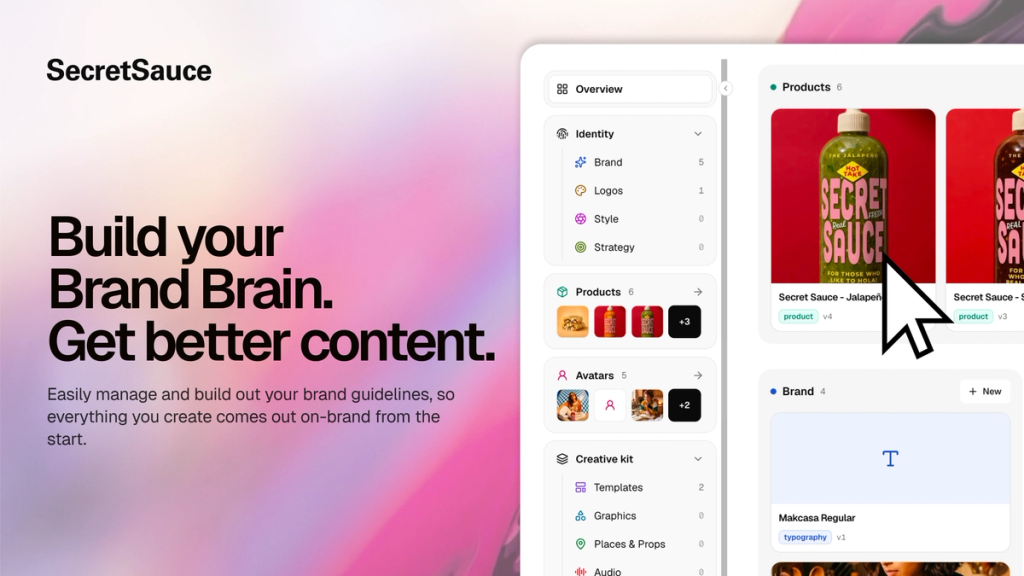
Your Brand Brain is a living set of instructions that tells SecretSauce how to use your brand: which logo to use when, how your product is held, lit and angled, the words you use and the ones you avoid, your colors, fonts, sentence rhythm, and more. Every time you create, SecretSauce follows those instructions so your content comes out consistent and on-brand from the first try.
My Brand is the place where you manage your Brand Brain. You can see every rule you've set, edit any of them, and add ones that are missing.
What's in My Brand
At the top of the My Brand page, you'll find a tracker showing you how complete your Brand Brain is. The more complete it is, the more on-brand your content will be. This includes: overview, audience, positioning, tone of voice, visual identity and guardrails.
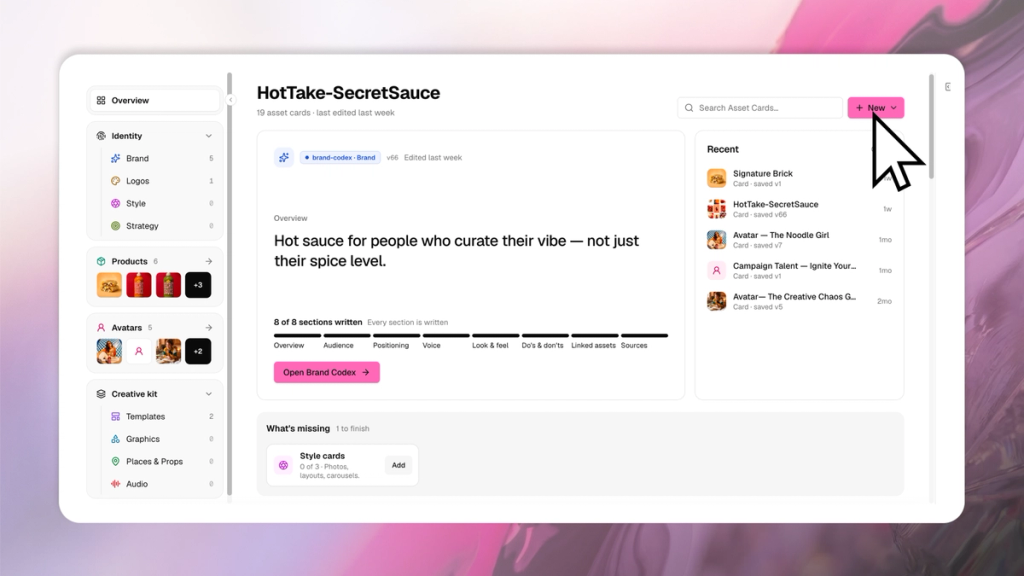
The Brand Codex is the written core of your Brand Brain: your positioning, voice, audience, and values, in full sentences rather than a checklist. It's versioned like a document, not just a settings page.
Tap Versions to see past saves, or Save to lock in a new one. Switch Preview to read the whole Codex at a glance, or Edit to work inside it.
Each section has its own Ask assistant link, so you can request a change to just that part without leaving the page, and a chat at the bottom lets you edit the Codex by describing what you want changed instead of typing it yourself.
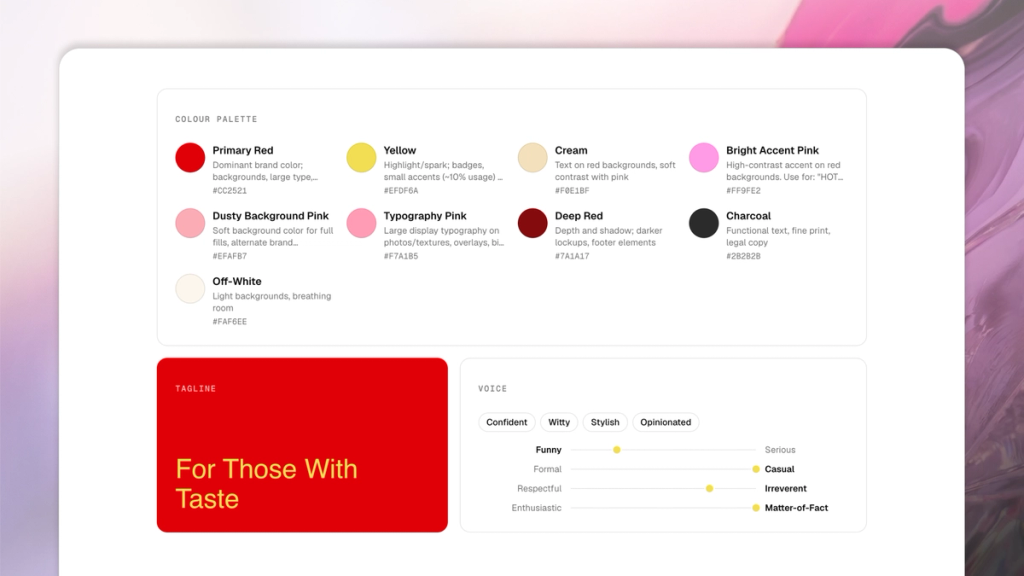
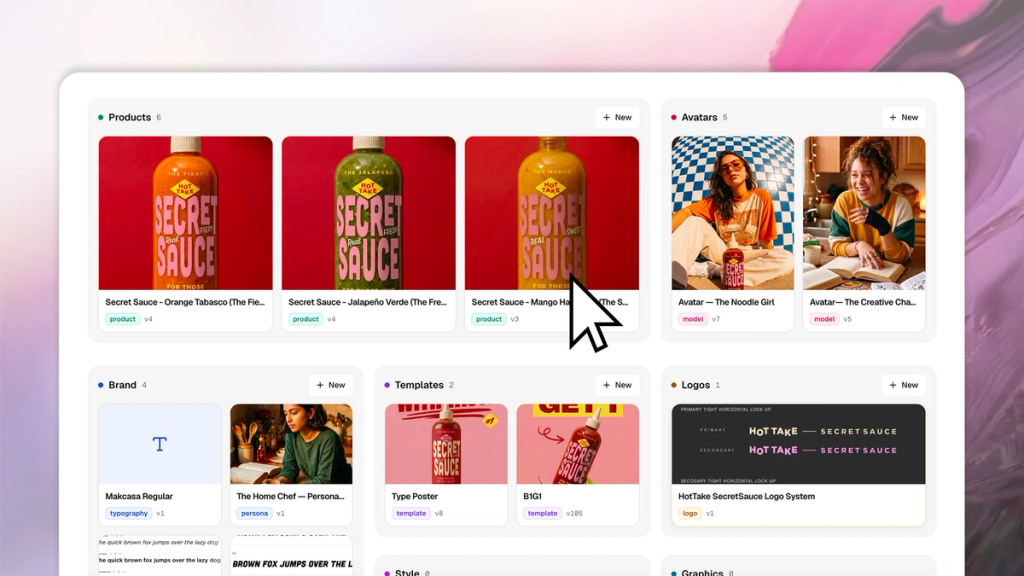
Below that, you'll find all the Asset Cards for your brand. Asset Cards are locked references and guidelines that SecretSauce reads before it makes content for this brand. There are multiple types of Asset Cards:
- Logo: Your logo types, like black wordmarks, white wordmarks, icons, etc, with a note on how each version is used. Your logo is placed as supplied and never redrawn or recolored.
- Typography: Your fonts and weights. Upload a sample image of the font rather than a font file, along with the weights you use and when to use each.
- Style: This is how your content looks and feels. For example,
- Photography style card holds your camera, lighting, color, and composition rules, and the image is built from those rules rather than copied from your examples.
- Graphic layout card holds your palette, type and recurring post formats.
- Other style cards cover looks like illustration or animation
- Strategy: The thinking behind your content. For example, a campaign card records only what changes for a time-limited push: a different color, mood, tagline or tone.
- Products: The products you sell, either physical, digital or a service. Physical products need exact measurements and a main reference image that's upright, straight-on, plain white background, and label readable.
- Avatars: The people, mascots and characters who appear in your content. Provide a clean image of them alone on a plain background and note the attributes that have to stay consistent, like face and outfit.
- Templates: Reusable layouts with fixed areas and swappable ones. SecretSauce edits the layout directly, changing only the parts you've marked as swappable, and new text has to fit the original space. Recurring carousel formats live here too.
- Graphics: Your stickers, icons, key art and call-to-action tags.
- Places and props: Locations, sets and props. Add a description, size, images and note the parts to keep consistent.
- Audio: Voices and music. Your cloned voice from Voice Studio is stored separately.
How to use My Brand
- Tap My Brand in the left menu.
- The tracker at the top shows which sections are missing from your Brand Brain. Tap Open Brand Codex to add or edit any section.
- Add an Asset Card by tapping +New on the top right, or the New button on any group.
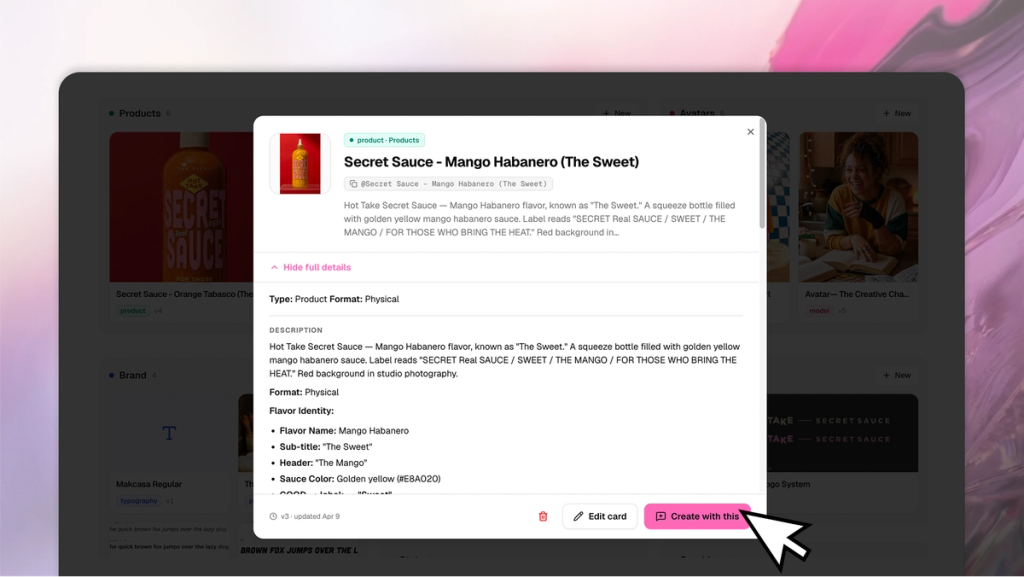
- Tap an existing Asset Card to see its details, edit it, or tap Create with This to start a new chat with that card already mentioned.
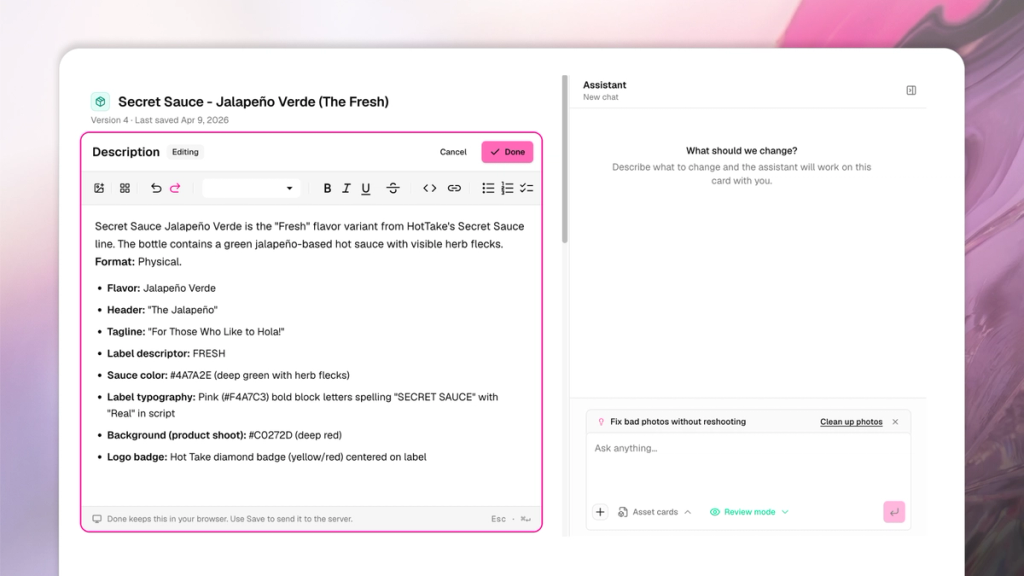
- Edit an Asset Card by tapping Edit to change it directly, or Ask Assistant to describe the change in the chat.
You can also attach a brand guidelines PDF to any new chat session instead of filling in each section by hand.
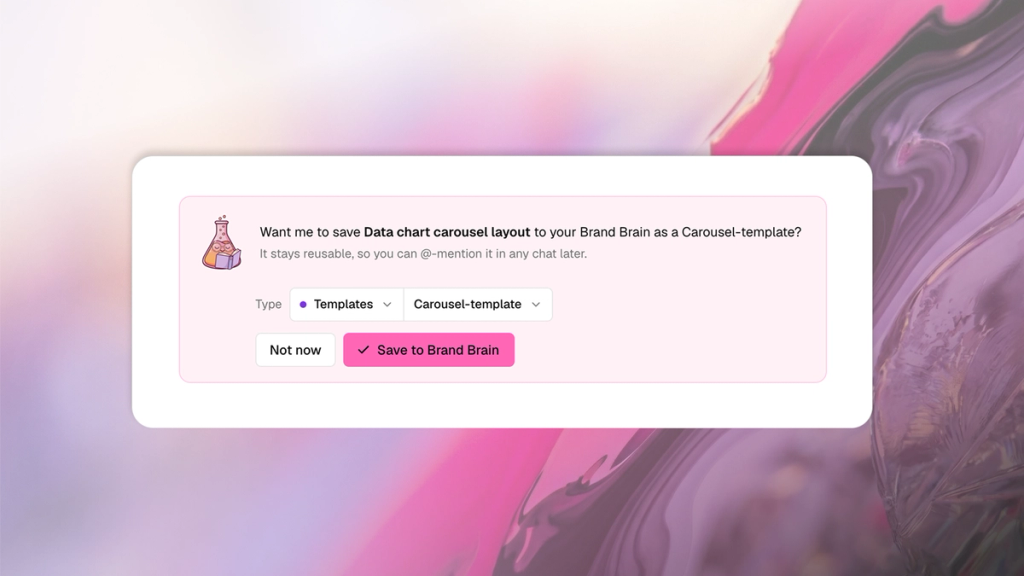
Your Brand Brain grows as you work. As you create with SecretSauce and something new comes up (a product it hasn't seen, a logo variation, a look you keep asking for), SecretSauce offers to save that to your Brand Brain so the next piece of content already has it. The more you create, the more complete your Brand Brain becomes.
Tips for using My Brand
- Start with your Brand Codex, a logo and a product. Those three do the most for your output, and they let you @-mention your brand in chat prompts.
- Add missing Asset Cards before a big content push. Every gap you close improves brand consistency.
- Say yes when SecretSauce offers to save something new to your Brand Brain.
- Attach your brand guidelines PDF to a SecretSauce chat if you have one to avoid manually filling out your Brand Brain.
- Tap versions on the top right to preview or revert to past versions of your Brand Brain.