How to make your restaurant stand out on Google Maps
Turn a bare Google Maps listing into one that wins walk-ins, with polished dish photos, warm shots of your space, a description built to be found, and a month of Google Posts.
Set up a Google Business Profile you can edit and verify, and have a few photos of your dishes and your space handy (phone pics are fine). Upload them, or @mention your saved asset cards if you keep them in SecretSauce.
How it works
1
Rescue your existing dish photos
With /photoCleanup, brighten dim lighting, clear background clutter, and recrop the shots you already have so the food is the hero.
2
Fill the gaps with fresh dish shots
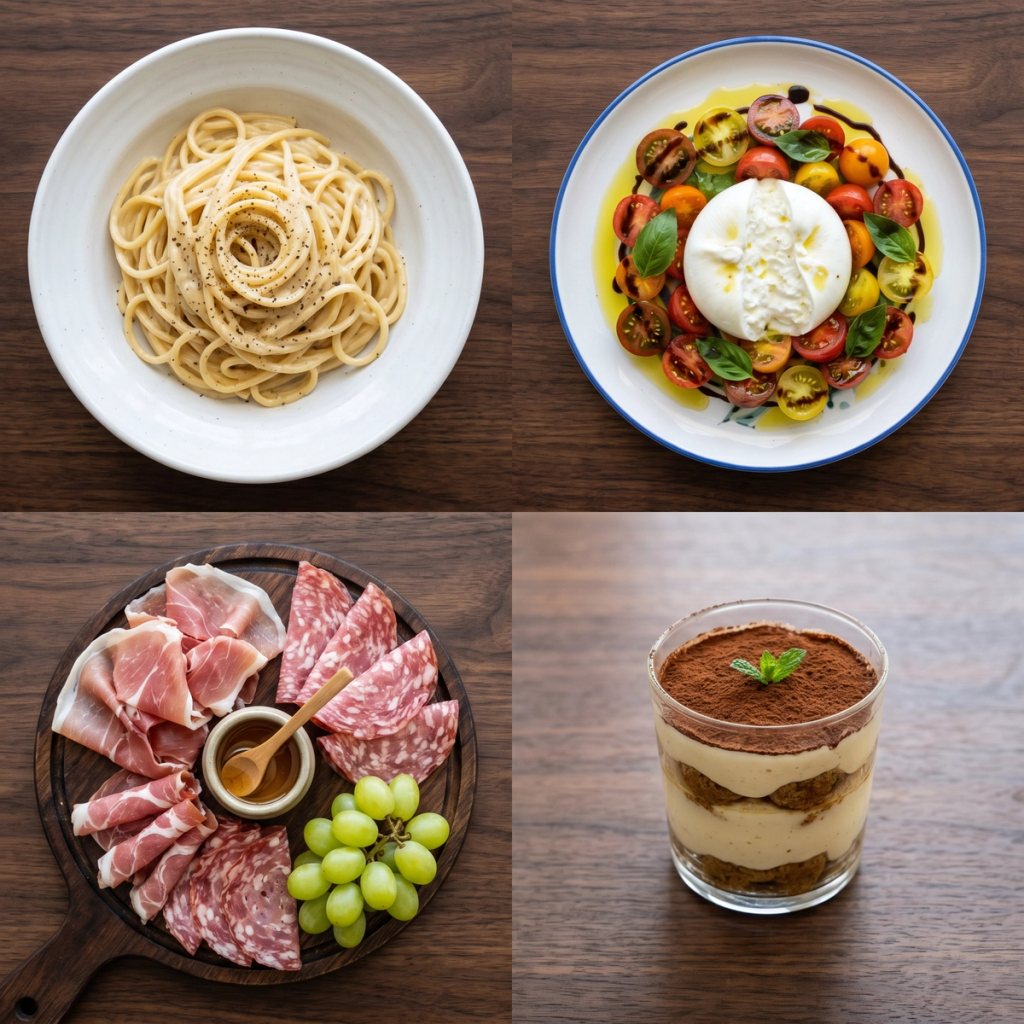
Generate bright, appetizing photos of your signature dishes on a clean background with /productPhotoshoot to round out the gallery.
3
Re-light your space
Warm up and brighten your own interior and exterior photos into inviting shots of the real room a diner will walk into.
4
Write the description and Google Posts
Write a business description in your brand voice using the cuisine and neighborhood terms locals search for, plus a batch of Google Posts covering specials, events, and seasonal offers to schedule across the month.
When someone nearby searches "places to eat near me" or your cuisine plus your neighborhood, Google Maps is the first thing they see, and they're deciding where to eat in the next few minutes. That moment is the highest-intent audience your restaurant will ever reach, and your Google Business Profile is what wins them or loses them.
Getting listed is free and takes an afternoon, and it keeps working every day with no ongoing spend. The catch is that a bare listing barely moves the needle. A complete, well-photographed, regularly updated profile is what turns a search into a walk-in.
Why your Google Business Profile decides who walks in
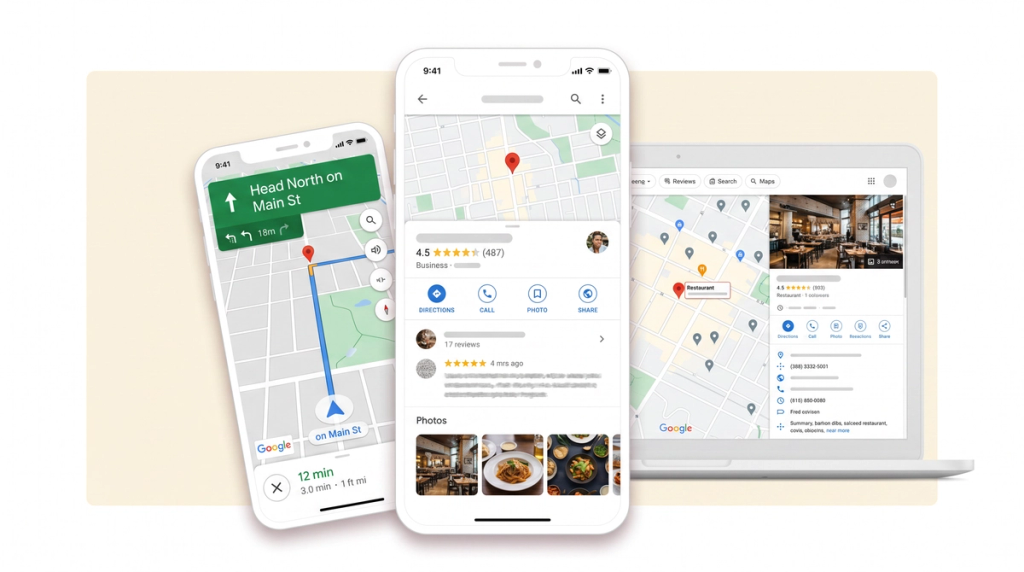
Google My Business, now called your Google Business Profile, is the panel that appears when someone searches your restaurant or scans Maps for options. It holds your hours, photos, menu, reviews, and the buttons to call, get directions, or order. For most independent restaurants it brings in more new customers than any social channel, because it reaches people at the exact moment they're choosing a table.
It's also a ranking game. Google decides which restaurants to show for "best tacos near me" on relevance, distance, and how complete and active your profile is. A claimed, fully filled-out, regularly updated listing beats a neglected one, so the work you put in maps directly to how often you show up.
How to get your restaurant listed on Google Maps
Setting up the listing is platform work you do inside Google, and it goes quickly step by step.
Create or claim your profile: Go to Google Business Profile, choose Manage Now, and search for your restaurant. If Google already auto-generated a listing, claim it. If nothing comes up, choose "Add your business to Google" and follow the prompts.
Enter your core details accurately: Add your business name exactly as it reads on your signage, plus your address, phone number, website, and a link to your menu. Drop your map pin precisely so no one circles the block looking for you, and keep your name, address, and phone identical to what's on your website and other listings.
Choose the most specific category: Pick "Pizza Restaurant," "Vietnamese Restaurant," or "Cafe" rather than a plain "Restaurant." The category is a big part of how Google decides which searches to show you in.
Turn on the services that apply: Dine-in, takeaway, delivery, and reservations each become filters and buttons that make it easier for a diner to act.
Verify the listing: Google confirms you run the business by postcard, phone, email, or instant verification. Verifying unlocks full control and stops anyone else from editing or duplicating your profile. Until you verify, the listing won't perform.
What makes a restaurant profile rank
A verified listing gets you on the map. A complete one with strong photos and fresh activity is what gets you chosen.
Photos do the heavy lifting. Diners eat with their eyes, and profiles with bright, appetizing images pull more direction requests and website clicks than ones with a few dark thumbnails. Cover your signature dishes, your interior, and your team, and keep adding to the set over time.
Write a description that sells the experience. Explain your cuisine, your story, and why locals love you, working in the terms people search for, like your cuisine type and your neighborhood.
Keep your hours honest, holidays included. Nothing burns a customer faster than a "closed" door after Google said you were open. Set special hours for holidays and events before they arrive.
Make reviews part of the routine. Ask happy diners to leave a review, and reply to all of them, the good and the critical, in a professional voice. Google favors profiles with engaged owners, and diners trust a restaurant that clearly listens.
Post regularly. Google Posts let you share offers, events, and new dishes right on your listing, like a small social feed inside Maps. A fresh feed signals an active business and gives a searcher a reason to pick you tonight.
10 Google Post ideas for restaurants
Posts are the easiest lever most restaurants ignore. Give each one a strong photo and a clear call to action, since image posts with a specific ask outperform text-only updates. Here are ten to start with, each one you can adapt to your menu:
Midweek special: Feature a dish and a reason to come in on a slow night. "Taco Tuesday: three al pastor tacos for $10, all day. Book a table."
New menu item: Show the dish and let people be first to try it. "New on the menu: brown butter gnocchi. Come taste it this week."
Weekend event: Live music, a tasting, a set menu. "Live jazz this Friday from 8pm. Reserve your table now."
Seasonal offer: Tie a limited dish to the calendar. "Our pumpkin ravioli is back for autumn, only through November."
Behind the pass: A short look at the kitchen or a signature dish being plated builds trust and appetite in one shot.
Staff or chef spotlight: Introduce the person behind a favorite dish so regulars feel the connection.
Customer favorite: Highlight your most-ordered plate. "The dish everyone comes back for: our 12-hour short rib."
Holiday hours and bookings: Post your festive opening times and a link to reserve before the tables fill.
Group and private dining: Remind locals you host birthdays and work dinners, with a link to enquire.
User photo or review: Feature a great customer shot or a standout review as social proof, with a thank-you and an invite back.
Rotate the mix so your feed is varied rather than all promotions, and lead with whatever is most timely this week.
How often to post to your Google Business Profile
Most restaurants set up the listing and never touch Posts again, which leaves easy ranking and engagement on the table. A Google Post typically drops out of the spotlight after about a week, so a listing that goes quiet reads as stale fast.
Aim for two to three posts a week, mixing a midweek special, an upcoming event, and a new dish. That keeps the profile reading as active without the diminishing returns of over-posting, and consistent posting alongside steady reviews and a complete profile is what lifts local ranking over time. The efficient way to keep it up is to batch eight to twelve posts in one sitting, then schedule them out across the month so your listing never goes cold.
How to create your Google Maps photos and posts with SecretSauce
The two things that hold most restaurants back are usable photos and the time to keep the listing fresh. SecretSauce covers both from the photos you already have.
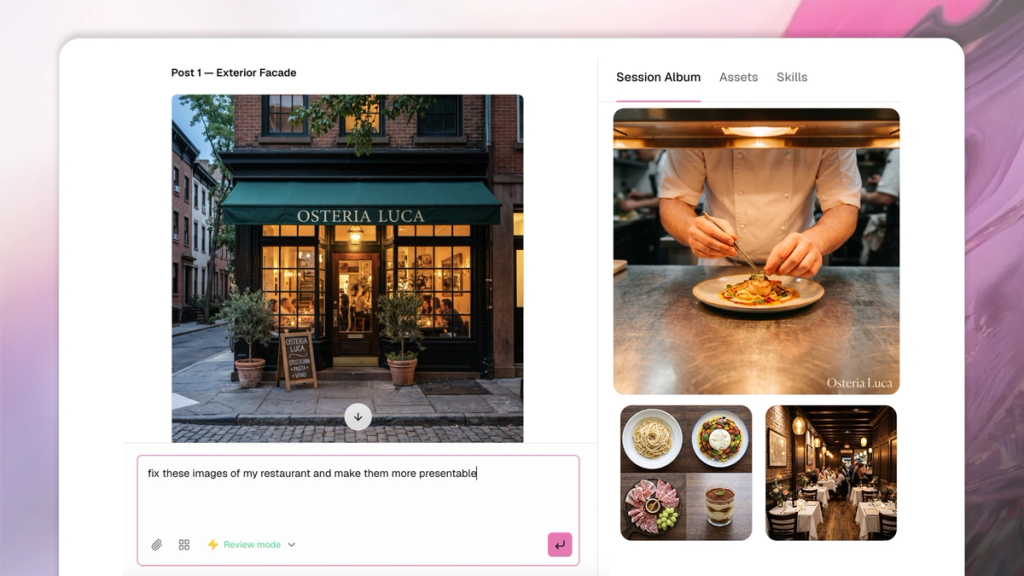
Rescue your current photos: Upload the dish shots you have and run /photoCleanup to brighten dim lighting, clear background clutter, fix distracting backgrounds, and recrop. A rushed photo from mid-service becomes a listing-worthy image. See photo cleanup for what it can fix.
Generate the shots you're missing: Tag a dish and use /productPhotoshoot for bright product shots on a clean background, filling out a gallery that covers your whole menu without a photographer.
Warm up your space: Re-light your own interior and exterior photos into inviting shots of the real room, so the atmosphere in the gallery matches what a diner walks into.
Write the profile and a month of posts: Get your business description in your brand voice, then batch a set of Google Posts (specials, events, seasonal offers) so you can keep the listing active in minutes instead of forgetting it for months.
From there you drop the photos, description, and posts into your Google Business Profile, then keep replying to reviews and scheduling your batched posts. If you also run social, the same gallery feeds your Instagram and TikTok posts with no extra shooting.
Why this beats doing it from scratch
The usual path is to leave the listing half-finished, claimed but with three dark photos and a description from 2019, or to pay a local SEO agency a monthly retainer to run it. The half-finished profile shows up but rarely gets chosen. The agency works but costs more than the channel is worth for most independent restaurants, and you still have to feed it photos and updates.
Doing it yourself with the right tools gives you the agency-grade result without the retainer, with polished photos that drive direction requests, a description written to be found, and a steady stream of Google Posts that keep the profile active, all produced in the time it takes to plan a service. Because the listing is free and works around the clock, it's the highest-return hour you'll spend on marketing this month.