Creative Radar
Spy on your competitors' winning posts. Then clone them in one click.
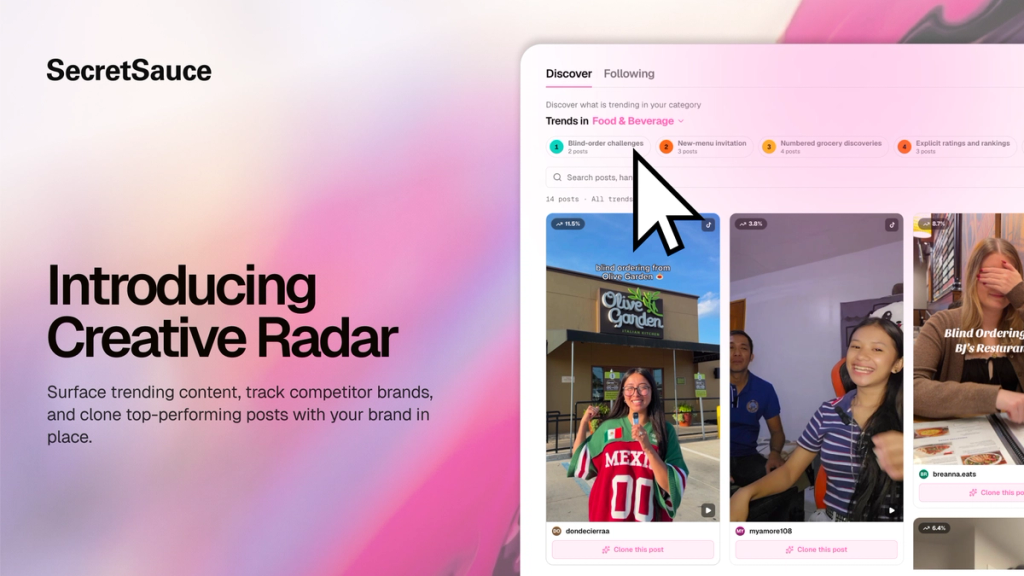
Use Creative Radar to discover trending content and monitor your competitors' best-performing social posts and ads. Get an in-depth creative breakdown on each post, and clone it for your brand and product in one click.
What you can do
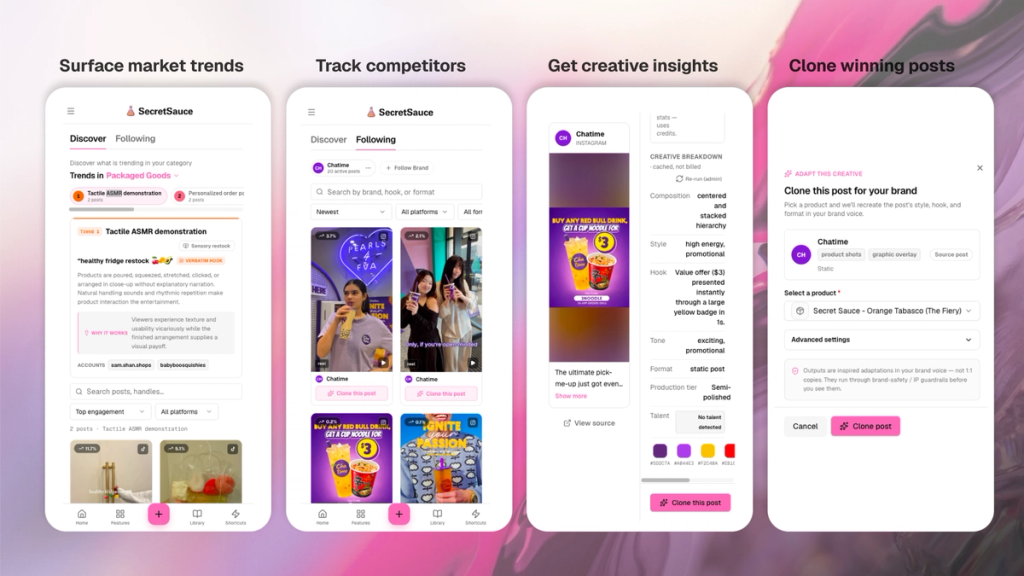
- Discover trending content: Browse a feed of trending ads and social posts per category and drill down into each trend
- Track any brand: Add up to 10 competitors or brands you want to keep an eye on
- Browse winning posts: See posts ranked by engagement (likes, comments, views) and filter by format or type
- Get creative insights: See the performance metrics, hook, tone, composition, format, caption style, and color palette for every post, so you know why it's working
- Clone in one click: SecretSauce remixes the ad with your brand and product in place
How to use the Discover tab
The Discover tab shows you what's trending across your category today on Instagram and TikTok and refreshes daily.
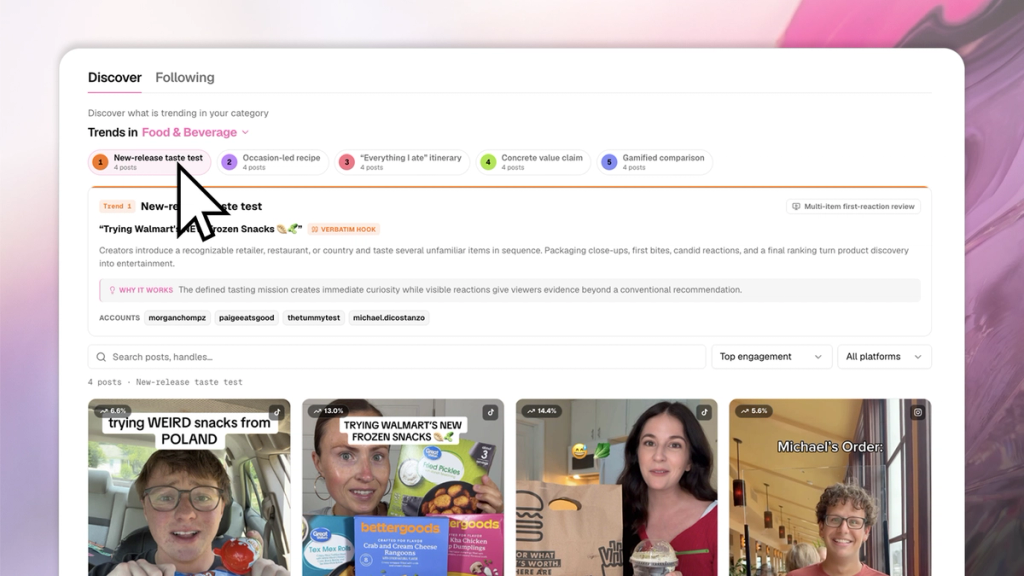
1. Filter your category: Use the dropdown to switch between categories (general, hospitality, food & beverage, packaged goods, real estate, and more). Each category has its own trending feed.
2. Discover trends: At the top of the page, you’ll see the most common creative patterns today, grouped by theme (e.g. "New-release taste test", "Occasion-led recipe", "Everything I ate itinerary"). Tap one to get more insights on the trend. Each trend card shows:
- The word-for-word hook being used
- Why it works
- The accounts doing it best
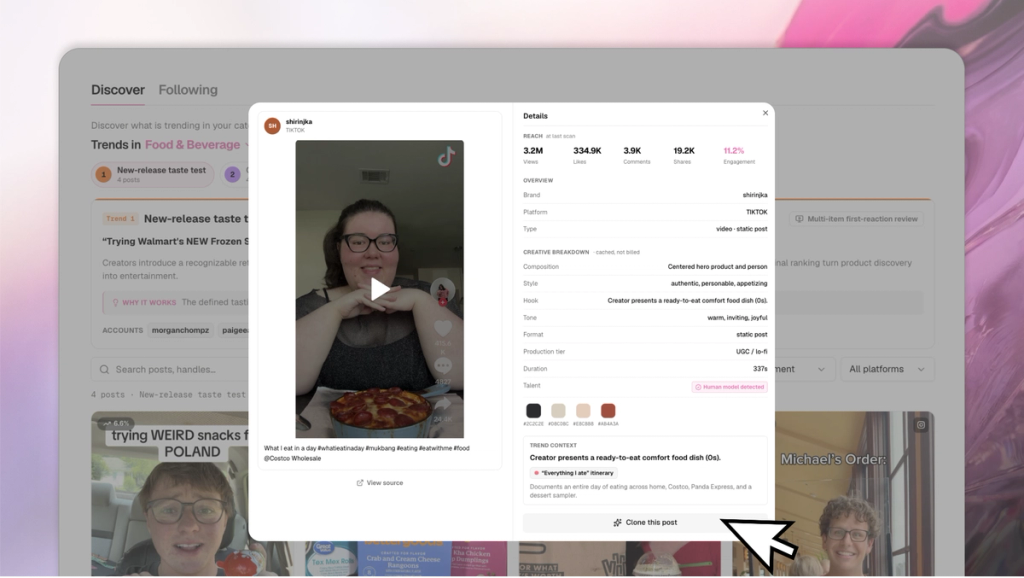
3. Get a creative breakdown: Below the trends, you’ll see individual posts sorted by Engagement by default. You can filter by platform (TikTok, Instagram, all) and search by handle or keyword.
Tap on a post see a full breakdown including:
- reach metrics: views, likes, comments, shares, engagement rate
- creative insights: composition, style, hook, tone, duration, colors
- trend breakdown: deeper context of the trend the post is using
4. Clone an ad: Tap ‘Clone’ on any post to recreate it with your brand and product in place. Simply select your preferred product and avatar to get started. Tap ‘Advanced Settings’ to give SecretSauce more direction and choose a specific aspect ratio.
That’s it. In a few minutes, you’ll have a new ad inspired by a winning formula.
How to use the Following tab
The Following tab shows posts only from brands you've explicitly chosen to track. Add competitors or just brands you’re inspired by.
1. Follow brands: Add up to 10 brands. Insert their website link, Instagram link, and TikTok link to get started.
2. Browse your competitors’ content: SecretSauce aggregates all your competitors content into a single feed for easy viewing. You can filter by brand, platform, and ad format on the top menu to drill down deeper.
3. Get creative insights: Tap on an individual post to get full breakdown of reach metrics (views, likes, comments, shares, engagement rate), and creative insights (composition, style, hook, tone, duration, colors)
4. Clone an ad: Tap ‘Clone’ on any post to recreate it with your brand and product in place. Simply select your preferred product and avatar to get started. Tap ‘Advanced Settings’ to give SecretSauce more direction and choose a specific aspect ratio.
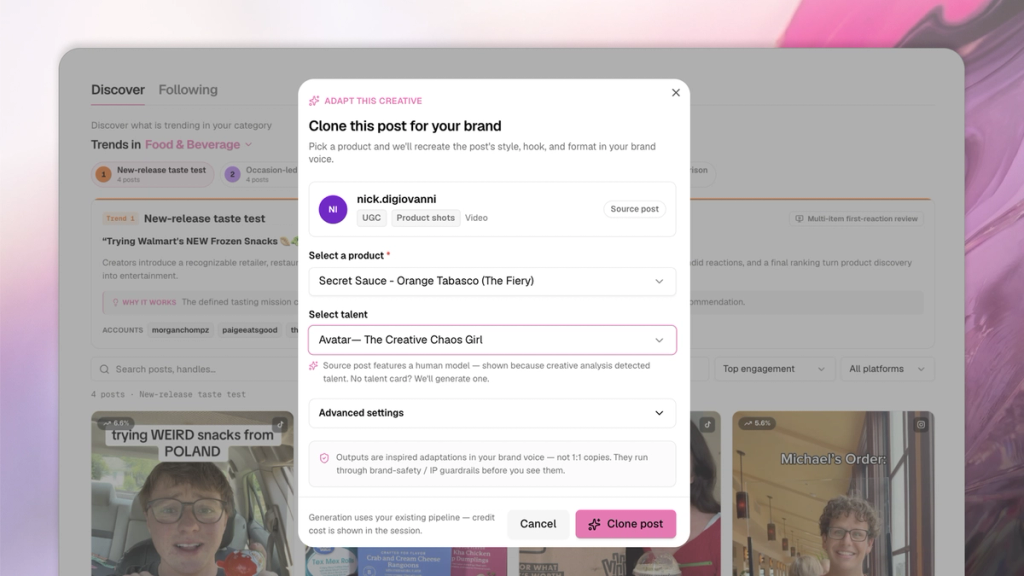
SecretSauce generates a version of the post for your brand and product, and opens it in a new chat for you