UGC video
Generate authentic UGC videos for social media and ads
UGC videos outperform polished ads on most social media channels.
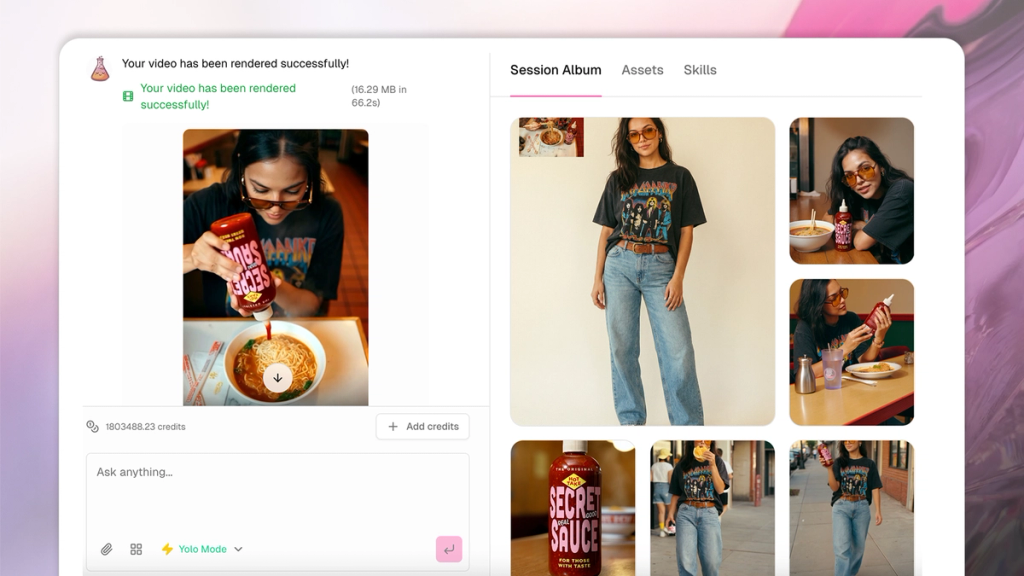
SecretSauce generates UGC videos that look and feel like real creator content - so you get the impact without the production cost. Describe what you want and SecretSauce picks the best format, writes the script around proven visual and verbal hooks, and generates the video.
You can also dub voices, swap backgrounds, restyle your look, and add subtitles without reshooting. See edit videos for more.
Format types
SecretSauce supports multiple UGC video formats. Request a specific one or let SecretSauce decide for you based on your brand.
- Talking head: Person speaking directly to camera
- Multi-scene narrative: Person + product across multiple scenes
- Product review: Structured demo with performance energy
- Unboxing: Package opening with a reveal moment
- Try-on: Outfit transformation with before/after
- Tutorial: Step-by-step how-to
- Product showcase: Product is the star, hands-only, no person
Note that SecretSauce can generate ANY format or request you have. The list above is just a starting place.
Built-in hooks
Every video is scripted around proven verbal and visual hooks designed to stop the scroll in the first second.
For example: POVs, absurd props, and more.
How to create a UGC video
There are two ways to create UGC video in SecretSauce:
- using our Video Studio (fastest, recommended)
- typing your vision in a new chat window
1. UGC video studio
Video Studio is the fastest way to make an on-brand video in SecretSauce. You choose from a library of proven video formats and presets upfront and you’re done.
- Tap Video Studio in the left menu
- Choose a UGC style. For example: Testimonial, Review, Unboxing, Try On, Tutorial, Product Demo.
- Choose a hook. Some hooks include: Story Open, Mythbuster, Comparison.
- Choose a product. You can select one or more products depending on the video style.
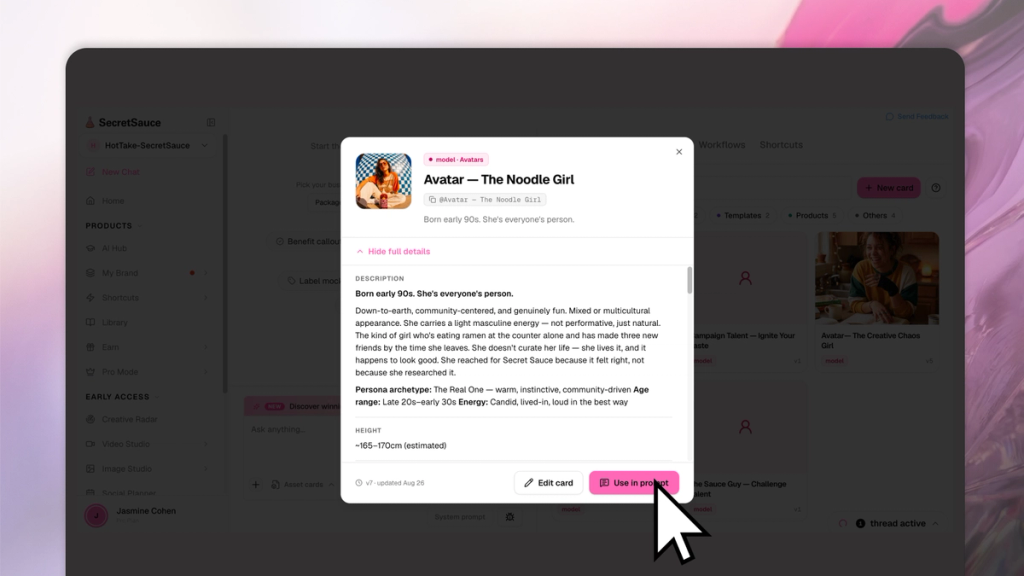
- Choose an avatar. If you don't have an avatar set up, SecretSauce can autogenerate one for you.
- Choose a voice for your avatar. You can choose one of your existing voice clones, or let SecretSauce generate a voice for you.
- Optionally add a brief in the text field to guide the direction.
- Set your video parameters: resolution, duration (up to 10s), and aspect ratio (9:16 or 16:9).
- Hit Generate.
2. UGC in the chat
If you have a specific idea in mind and prefer not to go through the Video Studio, you can always create a UGC video in a chat.
- Tap New Chat in the left menu
- Tap Skills on the right menu, then find @UGCvideo to get started. Or, ask SecretSauce to make a UGC video.
- Give direction (or leave it open). Tell SecretSauce what you want to see in your video - as much or as little as you have. Or let SecretSauce suggest something for you.
- Choose your format (or let SecretSauce decide). Unboxing, try-on, tutorial … whatever sort of format you’d like.
- Choose your avatar. Give SecretSauce a real person (like yourself!) to be the star of the video, or let SecretSauce generate a character that fits your brand.
- Tag a product to have your AI avatar presenting the product
SecretSauce will then present a few ideas for you to choose from. Confirm one and it gets to work generating your video.
Once you’re done, choose to add subtitles to increase your watch rates.
Examples
- "Create a UGC video of @[avatar] talking about @[product]"
- "Make a 30-second UGC ad with a girl speaking to her iPhone camera about @[product] while she’s walking down the streets of New York"
- "Create a UGC video with a woman in her 20s wearing athleisure presenting @[product] while cooking in the kitchen - casual and authentic"
- "Create a product presentation video for @[product] - hand reaching for it on a shelf, application shot, then a reaction"
- "Make a multi-shot UGC video showing someone discovering and trying @[product] for the first time"
- "Create a before and after UGC video for @[product] with a woman in her 30s"