Voice clone
Record your voice once and automatically generate speech for voiceovers and videos
If you want to be fast with content, you can't record a fresh voiceover every time you need one.
Voice Clone generates natural-sounding speech in your own voice - without going back to the mic.
How it works
- Tap Voice Studio in the left menu.
- Upload or record your voice: Make sure your sample has clear audio with no background noise or music, a single speaker with one consistent voice, and is spoken in one language.
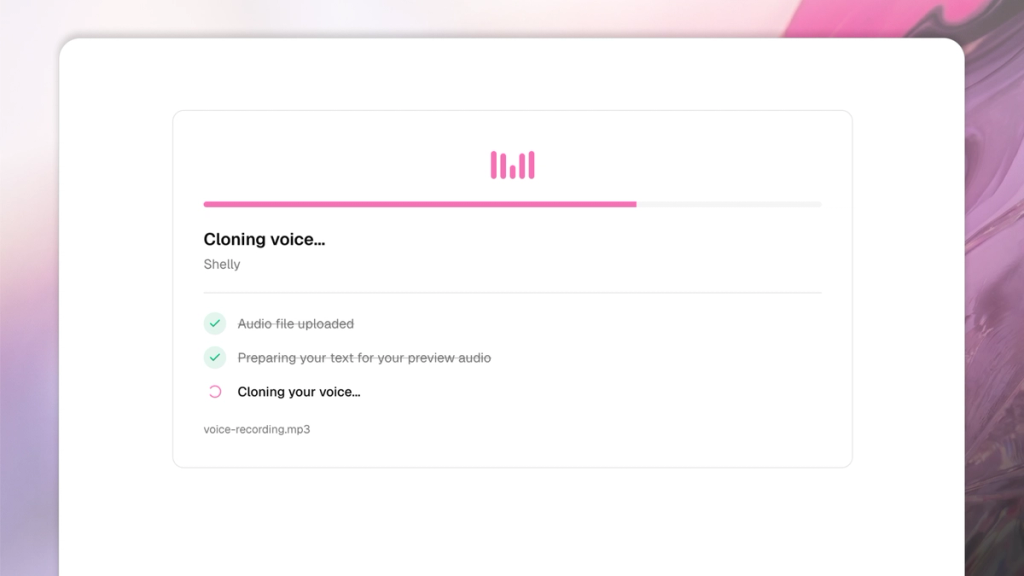
- Name your voice and train it: Give your voice a name (this is how you'll find it later), optionally set a language hint, and tap Train voice. Training takes a few moments.
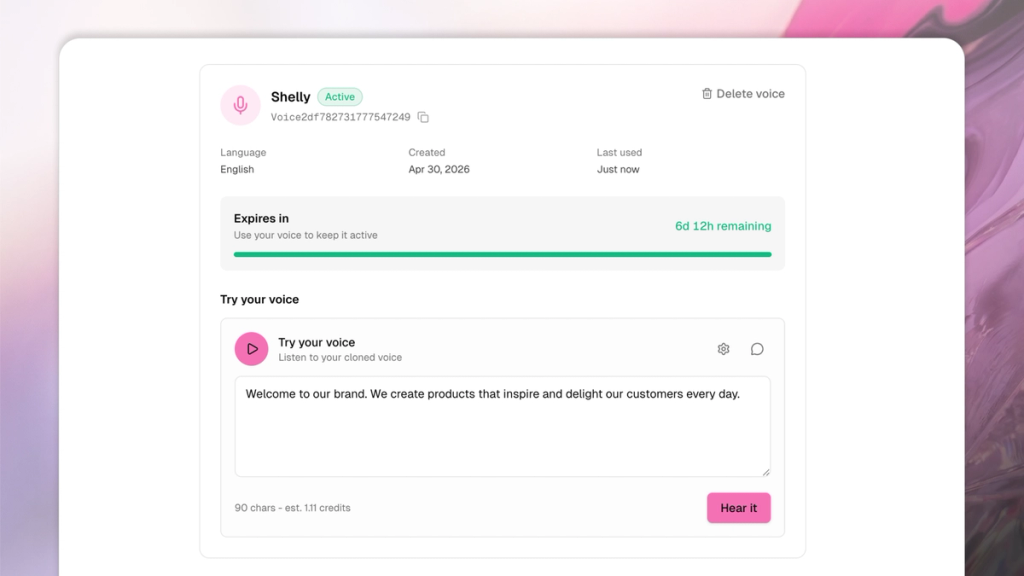
- Generate speech: Once your voice is ready, you can type whatever you want into the text box. Tap Hear it to generate a preview in your cloned voice.
- Use it in your content: Tap New Session in the left menu and share the text you want spoken in your cloned voice. You can optionally set an emotion (happy, neutral, sad, surprised, or let SecretSauce infer it from the text), pacing (normal, faster for an energetic ad read, slower for reflective narration), and language if your text isn't in English. From there you can pair it with Lip Sync to match a UGC video, or use it as a standalone voiceover.
What you can create
- Founder voiceovers: Narrate product videos, walkthroughs, and ads in your own voice without being on mic every time
- Multilingual dubbing: Write a script in another language, generate the audio in your voice, then lipsync it to the original video
- Ad variations: Produce multiple versions of a script instantly, all in the same voice, without booking studio time
- UGC-style content: Pair a cloned voiceover with a talking-head UGC video for fully produced spokesperson content