Quickstart (for food service)
Set up your Brand Brain and generate your first dish photo in under 5 minutes with SecretSauce.
Set up your Brand Brain and generate your first dish photo in under 5 minutes.
Step 1: Create your account
Sign up at app.trysecretsauce.ai. It's free to get started.
Step 2: Build your Brand Brain
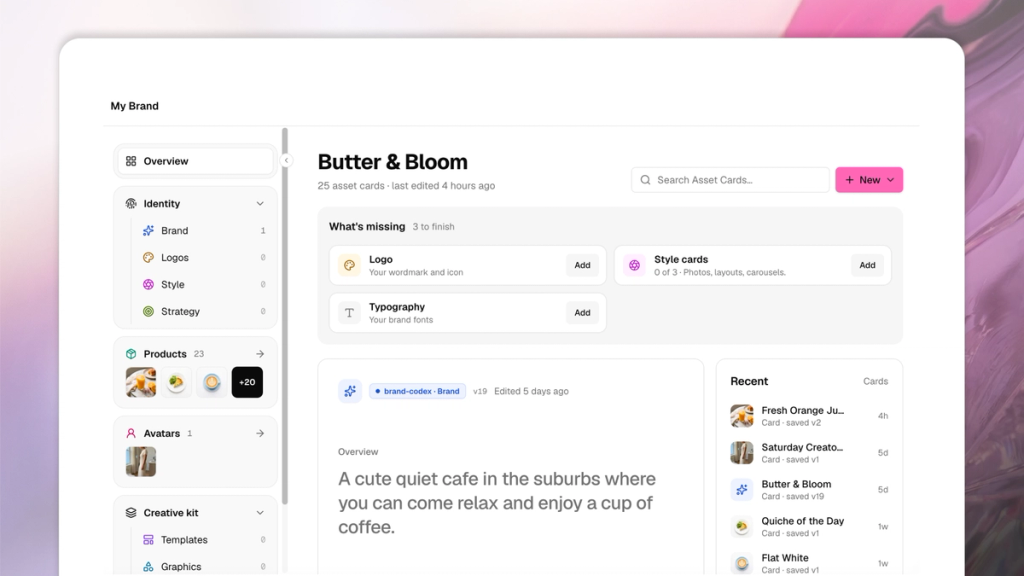
Your Brand Brain permanently stores your logo, fonts, and photo style, so every dish photo and post comes out on-brand automatically.
On Home, check Your Setup in the top right. It shows exactly which pieces are still missing: Logo, Menu, Photo style, Fonts. Fill in each one.
Tap My Brand on the left menu any time to edit or add to it.
Step 3: Add your dishes
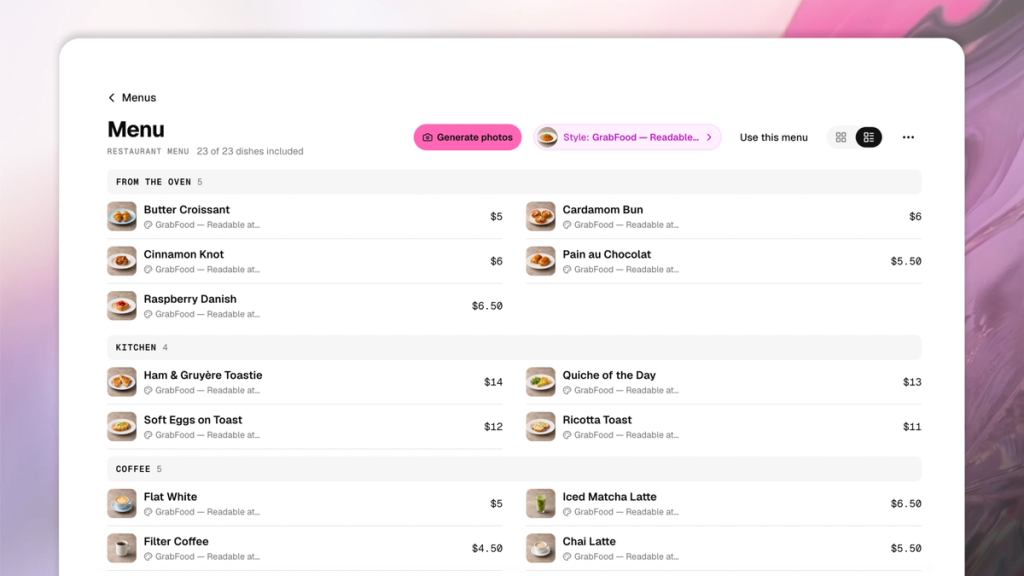
Tap Menu on the left menu, then Add dishes. Enter each dish's name, price, and category.
Each dish becomes its own card in My Brand, so once it's added, it's reusable everywhere, like social posts, print menus, and food photos.
Step 4: Pick a photo style
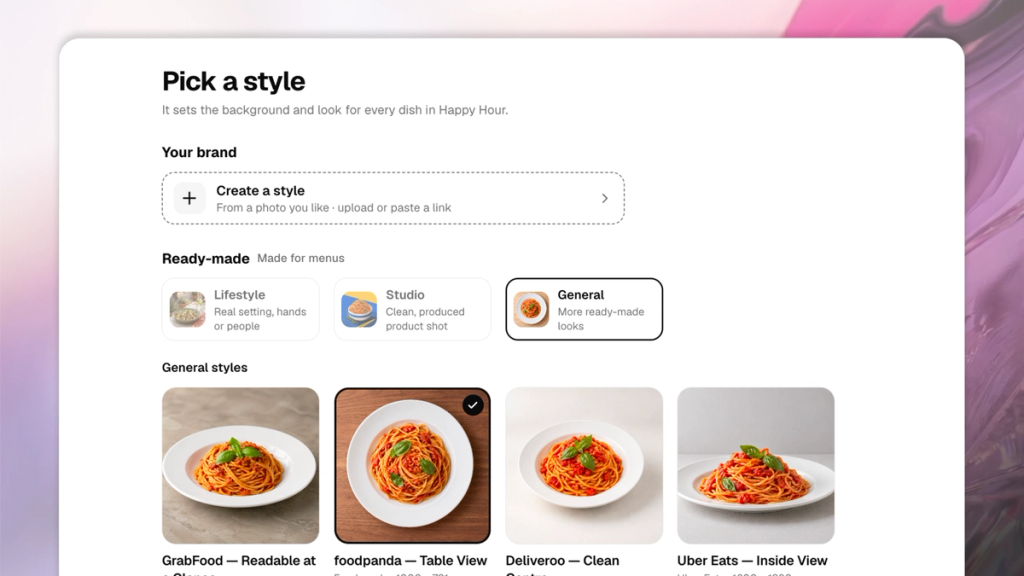
Open your menu and tap Add style. Choose a ready-made look (Lifestyle, Studio, or General) or create one from a photo you already like.
One style applies to every dish on the menu, so set it once rather than picking a look per dish.
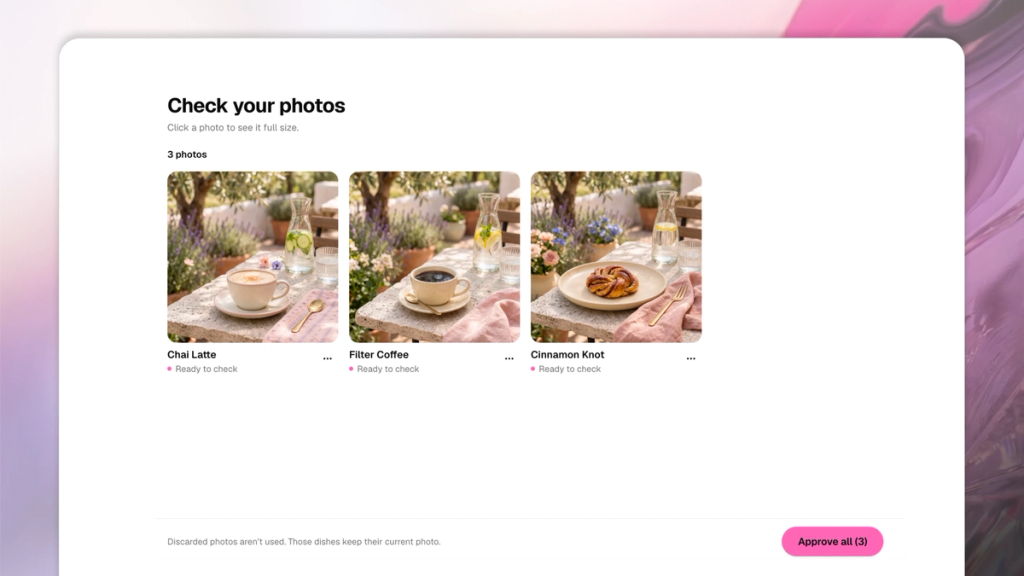
Step 5: Generate your menu’s dish photos
Tap Generate photos, either for the whole menu at once or on a single dish. SecretSauce generates a photo for every dish that doesn't already have one in the style you picked.
Step 6: Create your first social post
You have two ways to start:
- Start from scratch: Type into Home's "Ask me anything" box and describe the post you want. You don't need to re-describe your dish or your brand, SecretSauce already has them.
- Use a Shortcut (fastest): Open Content ideas → Shortcuts, filter to Food & Beverage, and tap one that matches what you want, like a daily special story, a combo deal card, a new dish announcement. No prompt writing required.
A few things to try:
- "Make an Instagram post for our new seasonal special"
- "Create a combo deal card for the lunch set"
- "Generate a UGC-style video for the Butter Croissant"
Step 7: Refine and publish
Not quite right? Say so. SecretSauce iterates and remembers the correction for next time.
Download your content and post it wherever you need it or send it straight to Social media planner to schedule it.
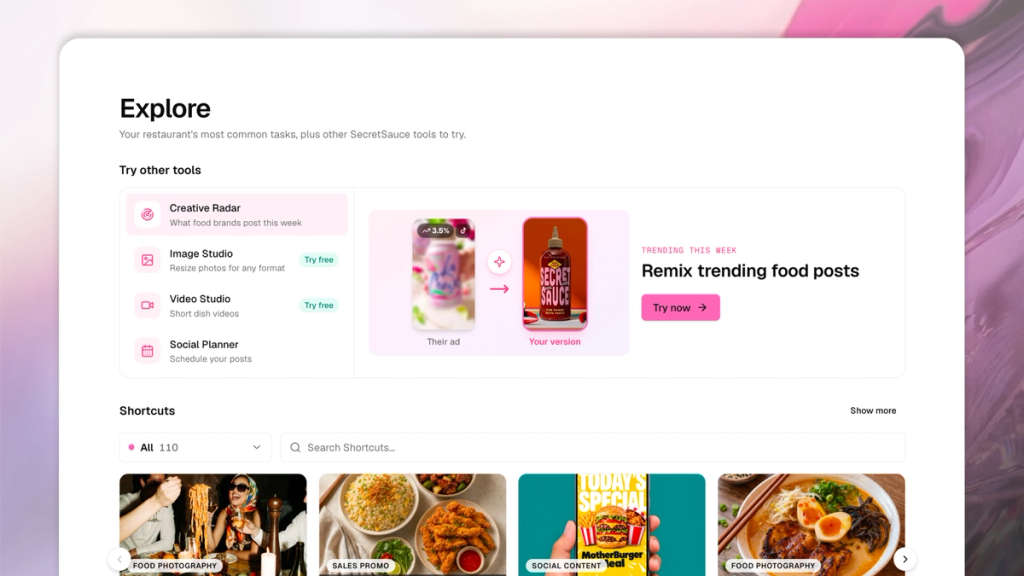
Step 8: Explore the rest of the platform
- Content ideas has Shortcuts, visual Inspiration templates, and step-by-step Cookbooks for bigger goals, like getting your Google Maps listing to actually convert.
- Printed & delivery menus turns your dish list into a print-ready menu or a photo set sized for Deliveroo, Uber Eats, and Wolt.