Shortcuts
Go from zero to content in one click.
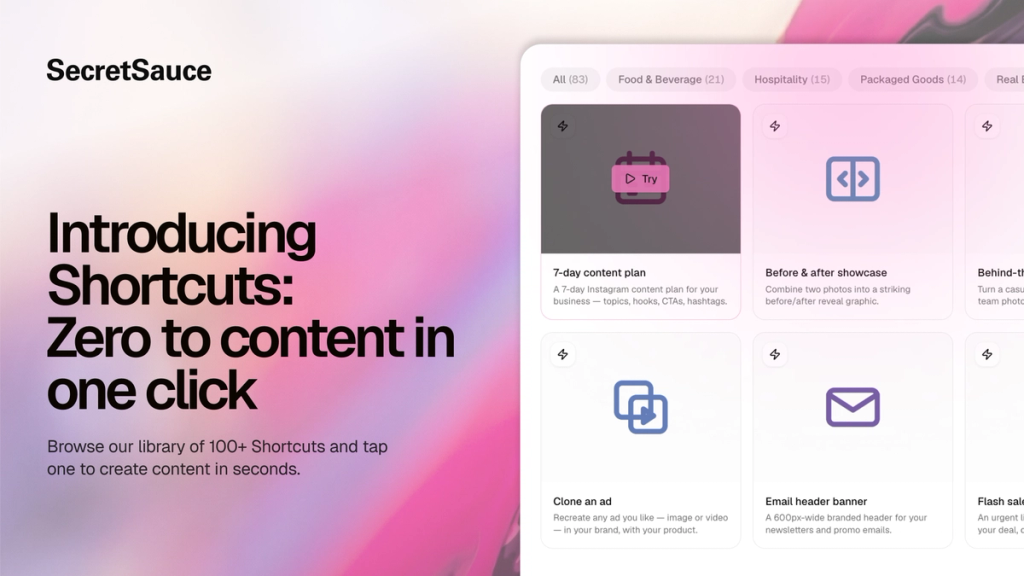
Many business owners open an AI platform and hit the same two walls: they're not sure how to prompt, or they're not sure what content they should be creating in the first place.
Shortcuts solve both. Shortcuts are ready-made prompts organized by industry so you can browse relevant content ideas and tap to create them in just one click. Instead of starting from scratch, you tap a Shortcut and SecretSauce gets straight to work.
There are dozens of Shortcuts in the library right now, with more being added all the time.
What you can do
- Browse 100+ Shortcuts organized by industry
- Tap any Shortcut to instantly start a content task
- Get a ready-to-use result in seconds, with your brand and product already in place
- Discover new content ideas you might not have thought to make
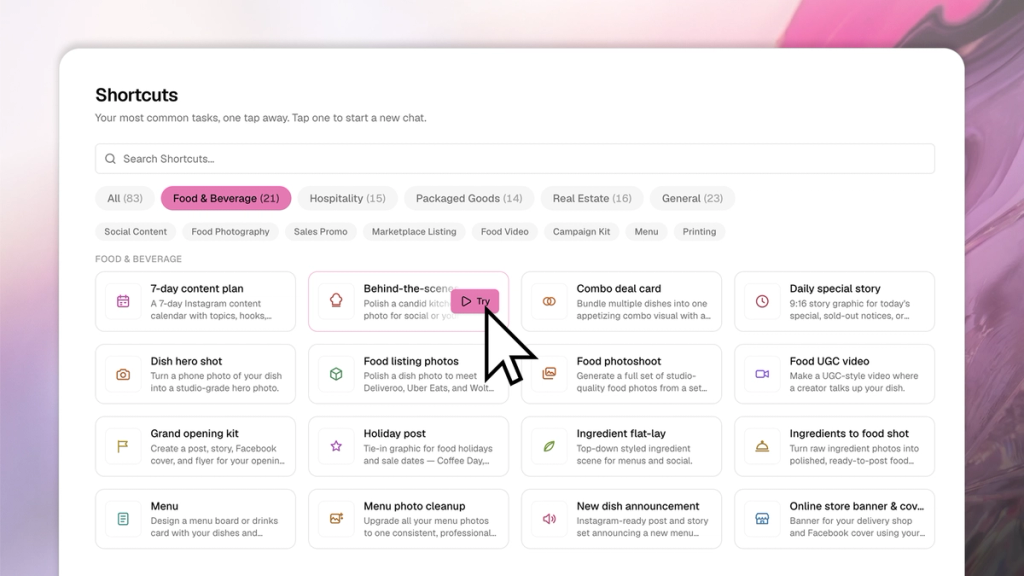
How to use Shortcuts
- Tap Shortcuts in the left menu
- Browse by industry or scroll through the full library
- Tap any Shortcut to get started
- SecretSauce opens a new chat window and gets straight to work
Shortcut examples
- “Daily special story” creates an Instagram story for today’s special, ready to post.
- “Grand opening kit” delivers a post, story, Facebook cover, and flyer for their opening announcement.
- “Just Listed post” turns a real estate listing photo into a branded announcement with price and specs.
- “Farming postcard” creates a print-ready Just Listed or Just Sold postcard for a neighborhood drop.
- “Testimonial spotlight” turns a customer review into a polished on-brand social graphic.
- “Before & after showcase” creates a striking before/after reveal graphic from two photos.